01
Prepare your cast and setting
Upload clear references to establish the character, outfit and setting. The studio shows reference requirements for each model.
NEWB · AI VIDEO STUDIO
One idea. A few reference images.
Give NewB the cast, setting and camera. Bring your story to the screen.
Text to video Image references Connected shots
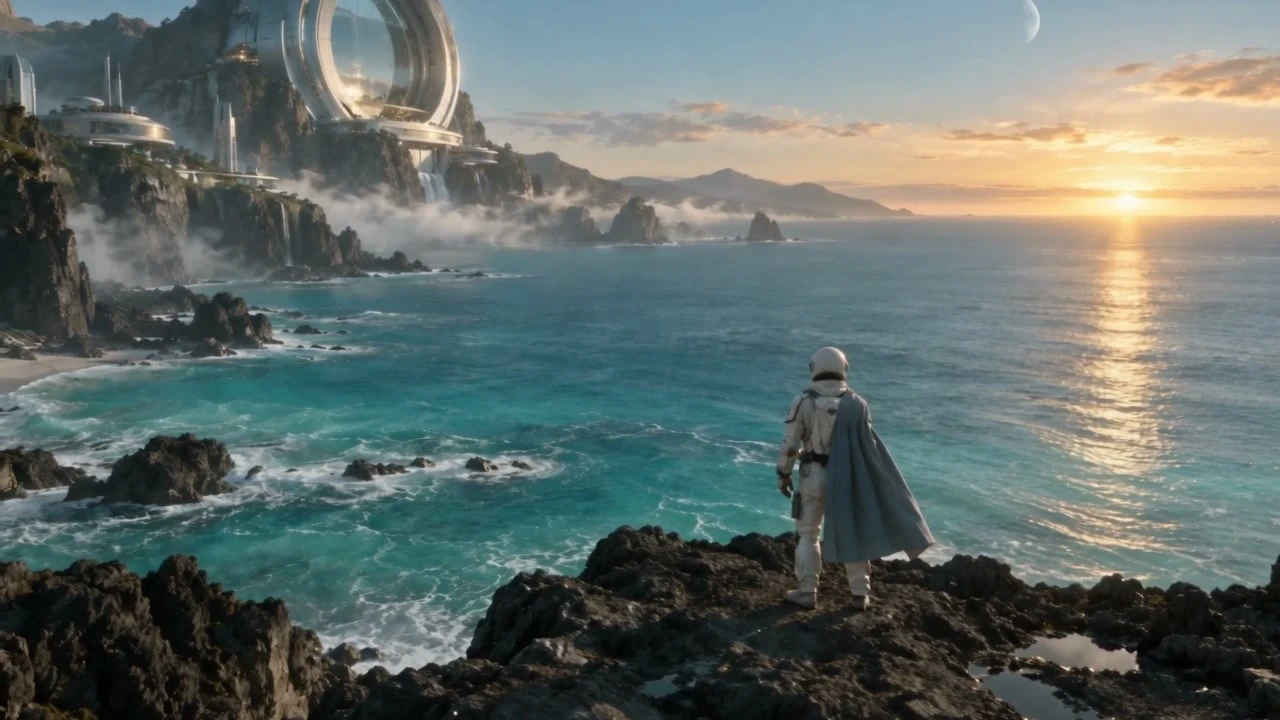
FROM IDEA TO FRAME
Three clear steps to build your story,
with a purpose for every shot.
Upload clear references to establish the character, outfit and setting. The studio shows reference requirements for each model.
Describe who does what, how the camera moves and the mood of the scene. Break a complex story into a few clear shots.
Organize shots and versions in a storyboard. Choose the clips you like and use the last frame to continue into the next shot.
CHOOSE YOUR CREATIVE TOOL
Establish characters and settings with images. Describe movement and camera work to create a 15- or 30-second video.
Choose a shot duration and combine image and audio references to explore character performance and sound.
Plan your scene in 5-, 10- or 15-second shots. It shares the Seedance 2.5 video allowance; unused units do not expire and renewals add to the balance.
Explore framing, movement and style before refining the script. Unlimited use is included in Lite and Premium memberships.
Check the studio for current model settings and availability. Image generation and video upscaling are also available there.
ONE SHOT. THEN THE NEXT.
Keep characters and settings in one storyboard project. Generate a shot, choose a version and continue from its last frame to build your sequence.
Explore storyboards
Establish the scene
Continue from the last frame
CREATE AT YOUR OWN PACE
Premium membership
Video allowance includedUnused units never expire. Renewals add to your allowance; credits apply after it is used up.
Explore Premium benefitsYou can also buy credit packs as needed. Redeem your purchased code on our billing page. The shop checkout shows the final payment amount.
A LITTLE GUIDANCE
Image to video
Video with sound
Creative workflow
BEFORE YOU START
A few questions about references,
video allowances and getting started.
Yes. Upload character, scene or prop images in the studio, choose a model with image-reference support, and describe the action and camera. Reference limits and video or audio support vary by model. Check the current model’s capability guidance.
Both include unlimited use of Seedance 2.0 mini, Minimax H3, Grok Imagine and Grok image generation while membership is active. Premium also includes an allowance shared by Seedance 2.5 and Seedance 2.0: 5 units with a day pass or 50 with a week pass. Seedance 2.5 uses 1 unit per video (4–30 seconds); 2.0 uses 0.5 units at any duration. Unused units do not expire, and renewals add to the balance. Other models, including Nano Banana 2, use credits.
No. A week pass includes 50 allowance units. Seedance 2.5 uses 1 unit per video (4–30 seconds); Seedance 2.0 uses 0.5 units at any duration. Unused units do not expire, renewals add to the balance, and the remaining units are still usable after membership expires. Once the allowance is used up, the selected model’s credit pricing applies. Check the actual cost before submitting.
Sign in and create a storyboard project. Add character and scene images to its cast and references, then generate shots in story order. Use the last frame of a completed shot as an image reference for the next one, and save the drafts and versions. Review each clip, then assemble the sequence in a video editor.
YOUR NEXT FRAME STARTS HERE
Bring an idea to your AI video studio.
Start creating